Video Enhancer
Enhance a video using the modes available in Kivue. Upload the source, choose the output settings, and inspect motion, faces and text before saving the result.

FROM INPUT TO PROJECT
What can you create with Video Enhancer?
Enhance a video using the modes available in Kivue. Upload the source, choose the output settings, and inspect motion, faces and text before saving the result.
VISUAL REFERENCES
Browse 3 ideas from the Kivue prompt library
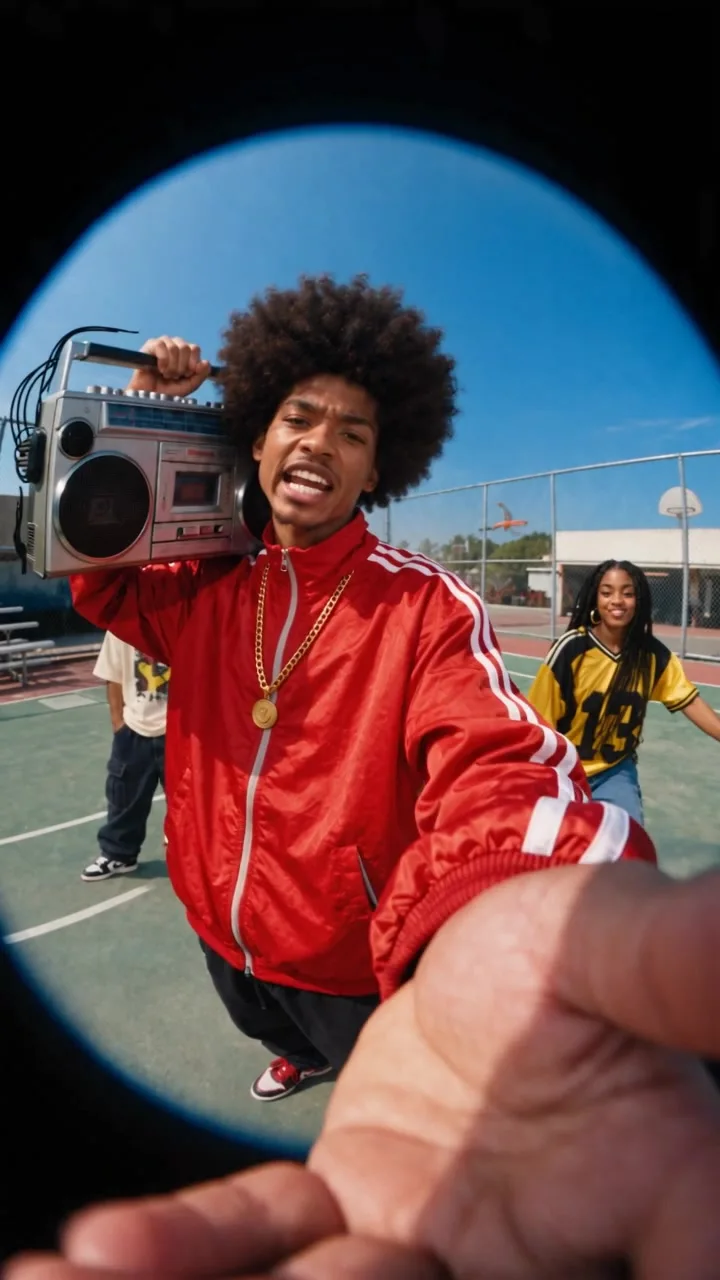
Open a cover to inspect its template. These are library references, not a benchmark of this tool or model.

What does Video Enhancer accept and return?
The workbench is currently enabled. No numerical output limits are published in the current tool configuration. Check the workbench before submitting.
Source: Kivue current tool configuration. Availability is not a measured completion rate.
Prepare a video for another output size
Preparation checklist
Use the source quality and intended display size to choose settings. Enhancement may introduce artifacts and cannot guarantee recovery of lost detail.
Review at least 1 moving sequence, not only the opening frame.
How do Kivue and alternative services organize this workflow?
This 3-service comparison covers public entry points and workflow design. It does not rank output quality, speed or price.
| Service | Entry or inputs | Workflow described on the source page |
|---|---|---|
| Kivue | Media required by this workbench | Task-specific settings and quote in the workbench. |
| Pollo AI | Text-to-video entry | Its public navigation links model pages and separate image and video tools. |
| Clipdance | Text, image and reference-video entries | Its public navigation separates video workflows, image workflows and AI tools. |
Public competitor pages checked October 30, 2026. A listed entry is not evidence of an identical underlying model. Kivue-specific limits are documented in the configuration above.
How do you use Video Enhancer in Kivue?
Follow these 3 steps. Review the settings for this task rather than assuming a previous task used the same parameters.
- Prepare the input. Use the source quality and intended display size to choose settings. Enhancement may introduce artifacts and cannot guarantee recovery of lost detail.
- Choose the output. Check the available settings and displayed credit quote. If the workbench is unavailable, it cannot accept a new request.
- Inspect and save. Wait for the completed task, review the result against the input, and save the version you intend to use.
What should you check before publishing the result?
Review at least 1 moving sequence, not only the opening frame.
Use the source quality and intended display size to choose settings. Enhancement may introduce artifacts and cannot guarantee recovery of lost detail.
Frequently asked questions about Video Enhancer
These 4 answers cover input preparation, output checks, cost and availability.
What files should I prepare before using Video Enhancer in Kivue?
Use the source quality and intended display size to choose settings. Enhancement may introduce artifacts and cannot guarantee recovery of lost detail.
How do I check whether a Video Enhancer result is ready to publish?
Review at least 1 moving sequence, not only the opening frame.
How many credits does Video Enhancer use with my selected settings?
Review the quote shown in the workbench before submitting. Cost depends on the tool and selected settings; there is no single price covering every mode.
Can I use Video Enhancer when the workbench says it is unavailable?
No. An unavailable workbench does not accept a new generation. You can read the guide and return when the function is enabled.