Listing image
Use a 1:1 composition with the product fully visible.
Generate Nano Banana 2 images in Kivue with 1K, 2K or 4K output. Write a scene, choose one of 7 explicit aspect ratios and develop product images, posters or illustrations. The engine selector currently labels this option Nano Banana V2.
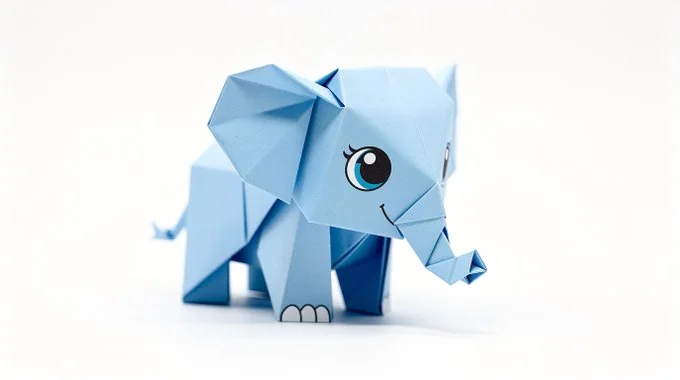
Start with the subject and explain its position, material and lighting. The 1:1 option works for a centred composition; 3:2 gives more horizontal space for a product and its surroundings.
Try: A transparent perfume bottle on a pale blue plinth, daylight from the left, close product framing.
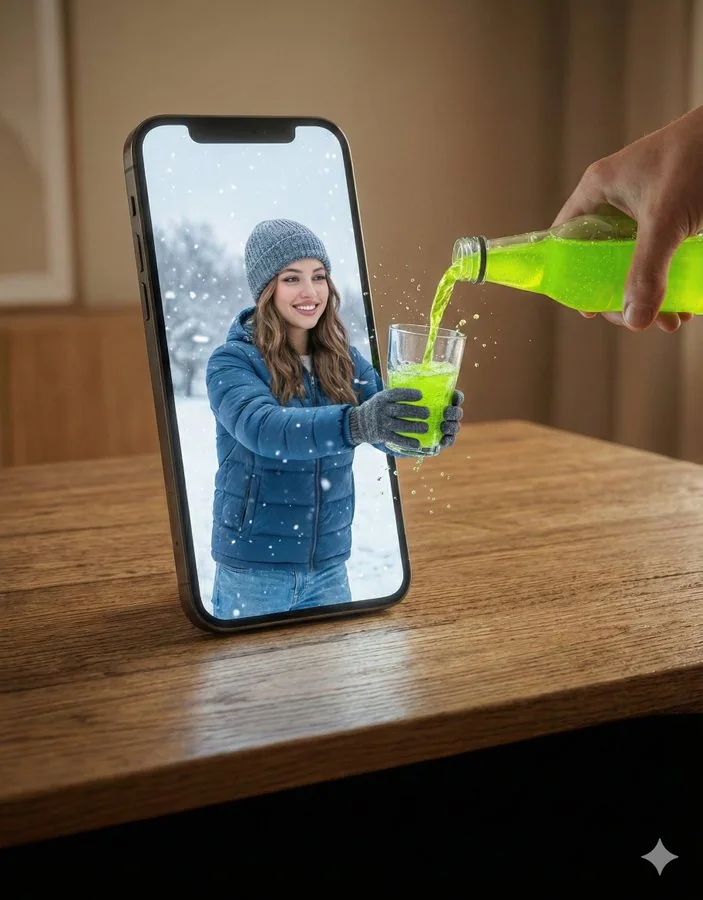
Nano Banana 2 lists 7 explicit ratios in Kivue, including 9:16, 16:9 and 3:4. Choose the placement before describing props and text, so the request describes one composition rather than several conflicting layouts.
For a vertical poster, specify where the subject should sit and leave a clear headline area.
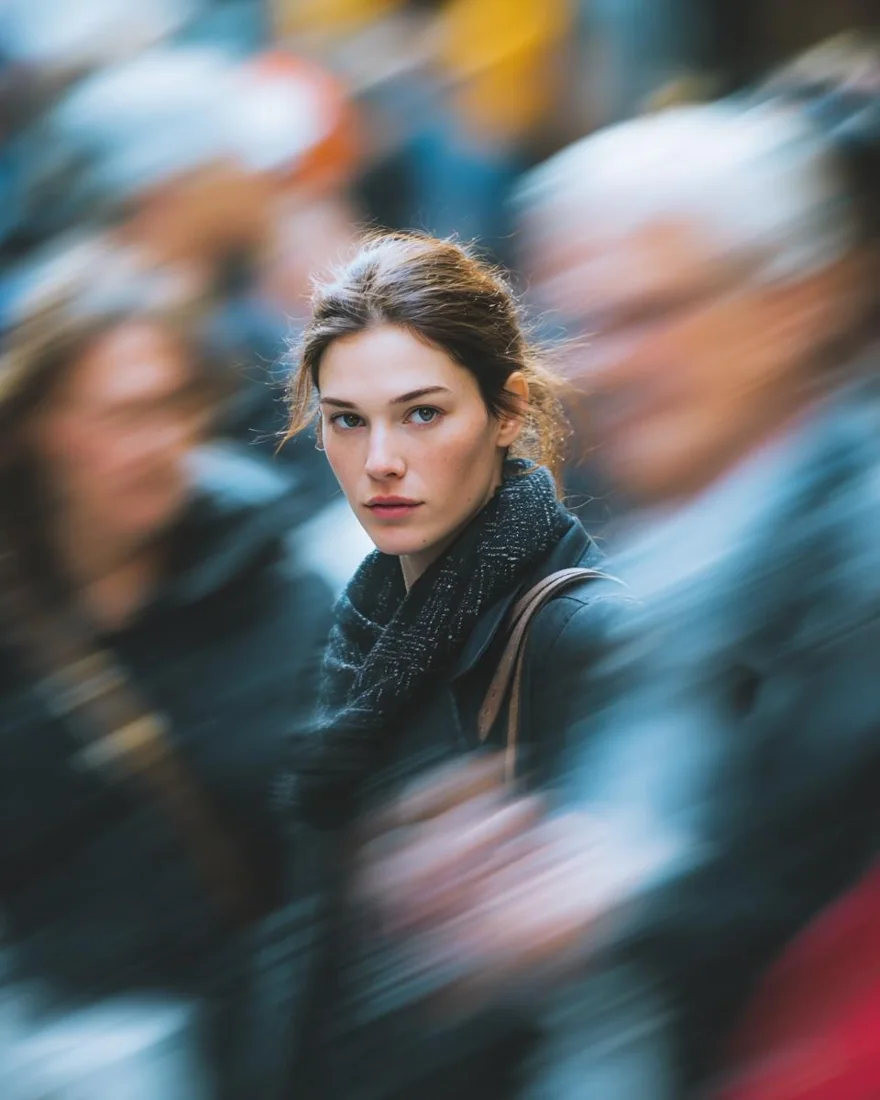
All 3 size choices are available on the connected Nano Banana V2 engine. Compare the displayed quote at the selected size; changing resolution can change the credit requirement.
Select the output size before submitting; preview appearance is not a measurement of pixel dimensions.
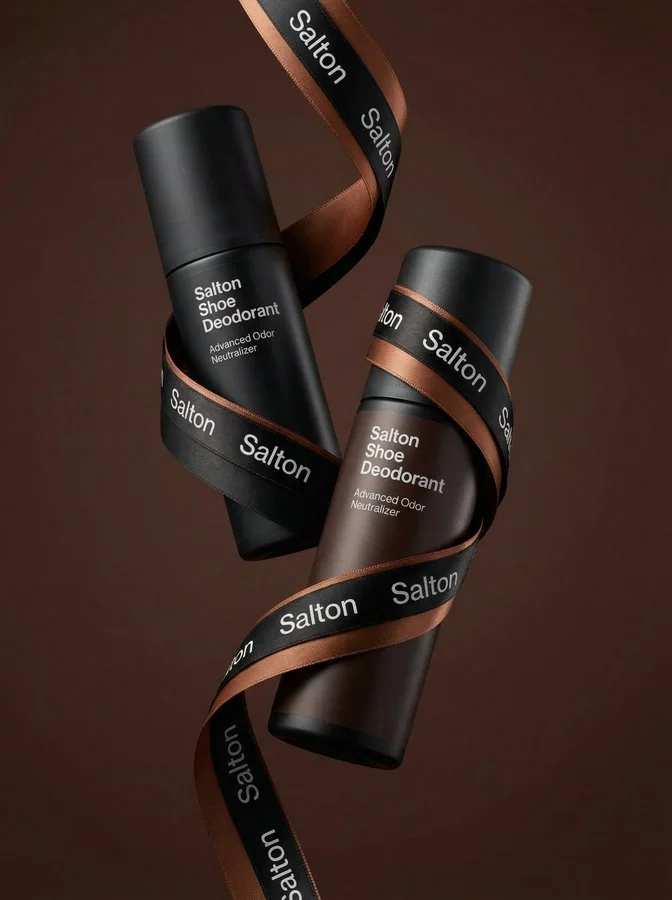
Keep one version of your brief and change one instruction at a time. Compare a 1:1 product view with a 4:3 scene, or retain the ratio and change the lighting direction.
Check product geometry and any generated lettering in each result.
| Model option | Output sizes | Aspect ratios | Format choices |
|---|---|---|---|
| Nano Banana 2 | 1K, 2K, 4K | 7 fixed ratios | Auto · 1:1 · 16:9 · 9:16 |
One image brief, from square listings to portrait artwork.
1K, 2K, 4K are listed across the model options.
7 explicit ratios across these options, plus Auto.
1 model option on this page.
Describe the subject, viewpoint, setting and light source together.
Check the displayed quote after changing engine, size or quantity.
Review completed images with the conversation and project materials.
| Model option | Output tiers | Aspect ratios |
|---|---|---|
| Nano Banana V2 | 1K, 2K, 4K | 7 explicit + Auto |
| Seedream 4.5 | 2K, 4K | 8 explicit + Auto |
| GPT Image 2.5 Flare | 1K, 2K, 4K | 10 explicit + Auto |
Use a 1:1 composition with the product fully visible.
Try alternative sets, colours and camera viewpoints.
Describe a subject, setting and visual treatment in one brief.
Prepare your input, choose the output, and review the result.
Write the subject, composition and style. Include exact wording if the image needs text.
Choose the model option, resolution and aspect ratio. Review the credit quote before submitting.
Check text and product details at full size. Save the image or use it as a reference for another edit.
Answers about inputs, settings and creating in Kivue.
Turn your brief or reference into an image. Choose settings and check the quote before generating.
Start creating