Poster concept
Describe the visual hierarchy and exact requested wording.
Create Seedream 4.5 images in Kivue with 2K or 4K output. Describe a poster, product scene or illustrated setting, then choose from 8 explicit aspect ratios. Keep each result in your project while comparing the next visual direction.
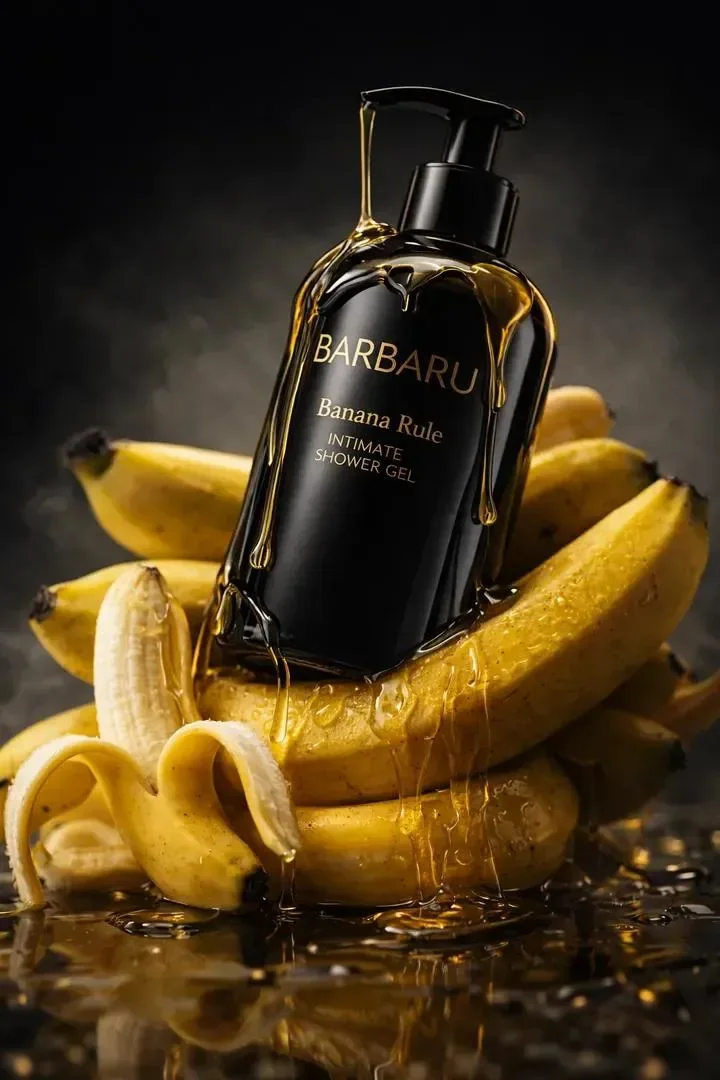
Explain where the main subject belongs and what should surround it. A 1:1 product frame needs different spacing from a 9:16 poster. Seedream 4.5 lists 8 explicit ratios, including 21:9.
Try: A potted plant beside a bright window, soft shadows, calm interior, empty wall area above the pot.
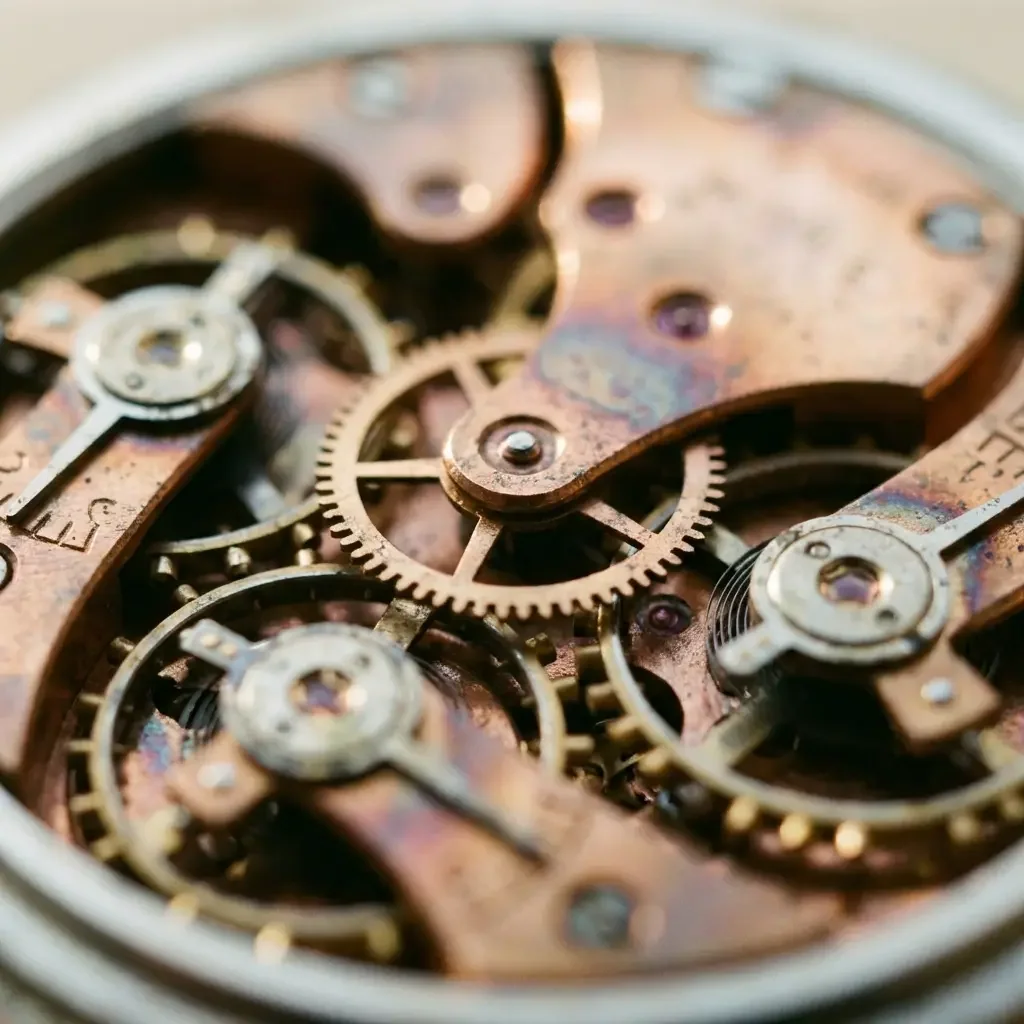
Separate a headline from a price or label in the brief. Choose 3:4 for a portrait poster or 16:9 for a horizontal composition. Generated lettering still needs proofreading, especially at smaller display sizes.
Keep exact requested wording in quotation marks; inspect spelling and spacing before publication.
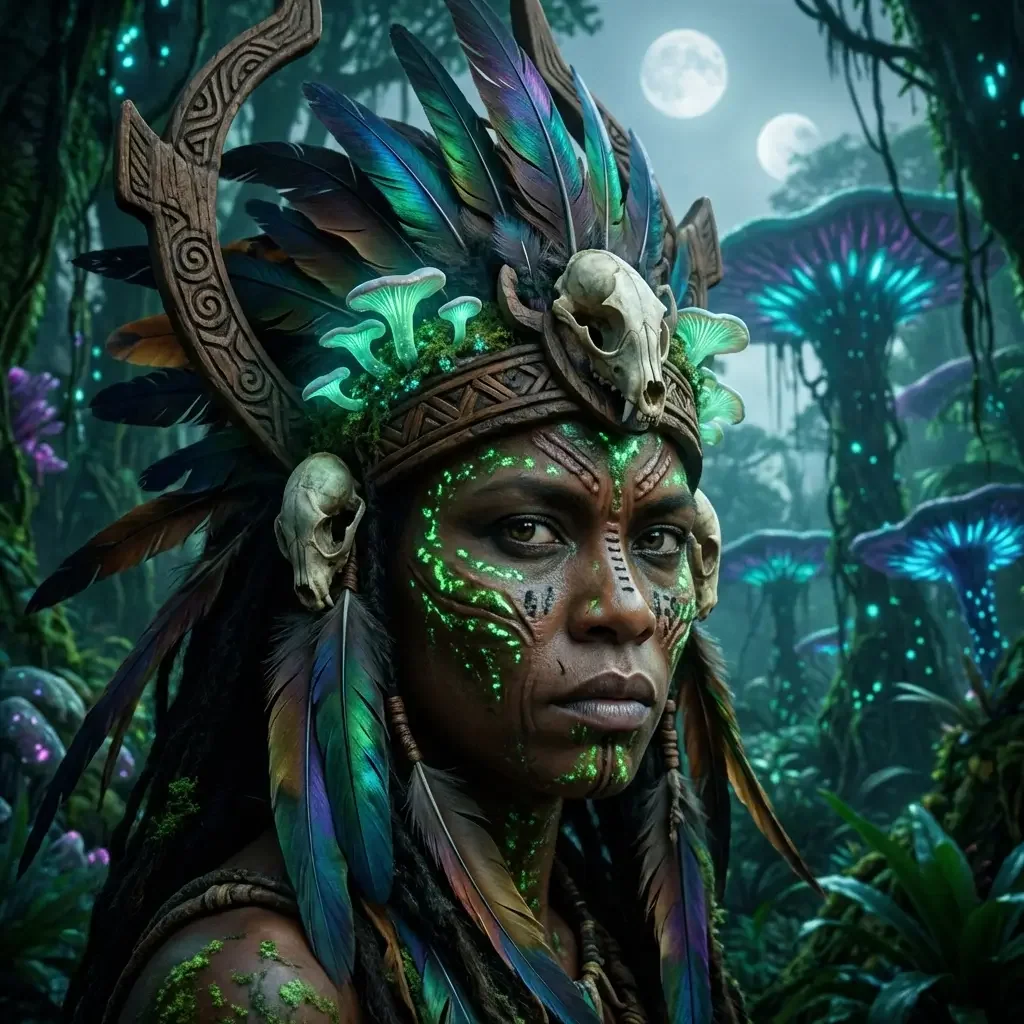
Kivue exposes 2 output tiers for Seedream 4.5. Pick the size before generating and compare the credit quote. A 4K selection requests a larger output tier rather than correcting a poorly specified layout.
The current entry does not list 1K; use another connected model if that is required.
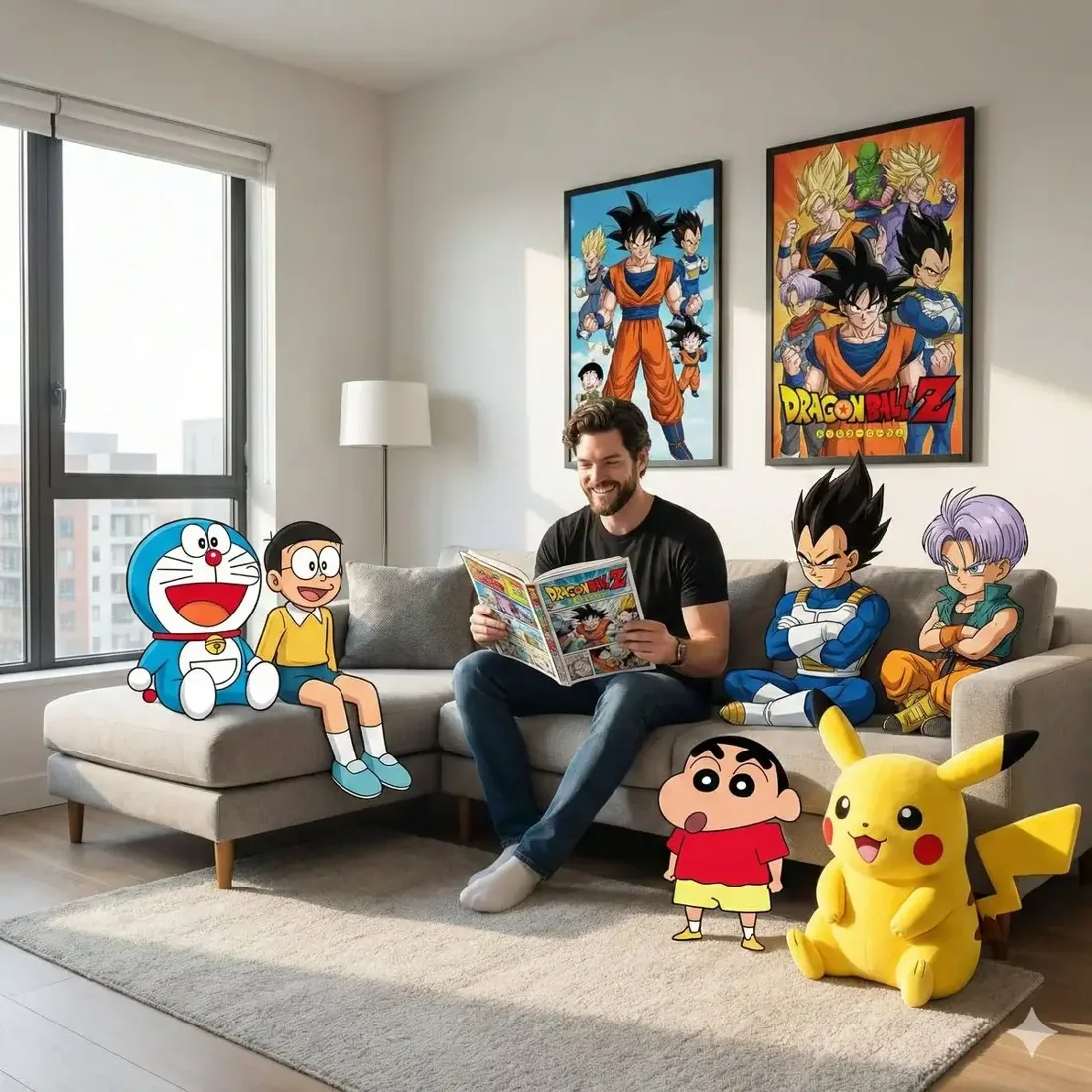
Keep a 2K draft and change either the subject placement or the lighting for the next result. Maintain the same ratio when comparing versions, then request a separate composition for another placement.
Inspect text, hands and product geometry in every result, including larger output files.
| Model option | Output sizes | Aspect ratios | Format choices |
|---|---|---|---|
| Seedream 4.5 | 2K, 4K | 8 fixed ratios | 1:1 · 16:9 · 9:16 |
Poster, product and scene creation at 2K or 4K.
2K, 4K are listed across the model options.
8 explicit ratios across these options, plus Auto.
1 model option on this page.
Describe the subject, viewpoint, setting and light source together.
Check the displayed quote after changing engine, size or quantity.
Review completed images with the conversation and project materials.
| Model option | Output tiers | Aspect ratios |
|---|---|---|
| Seedream 4.5 | 2K, 4K | 8 explicit + Auto |
| Nano Banana 2.1 | 1K, 2K, 4K | 14 explicit + Auto |
| GPT Image 2.5 Flare | 1K, 2K, 4K | 10 explicit + Auto |
Describe the visual hierarchy and exact requested wording.
Set the product position and surrounding scene.
Define a subject, place and visual treatment.
Prepare your input, choose the output, and review the result.
Write the subject, composition and style. Include exact wording if the image needs text.
Choose the model option, resolution and aspect ratio. Review the credit quote before submitting.
Check text and product details at full size. Save the image or use it as a reference for another edit.
Answers about inputs, settings and creating in Kivue.
Turn your brief or reference into an image. Choose settings and check the quote before generating.
Start creating