Product setting
Place a bag, bottle or household object in a described scene.
Create still images with Wan 2.7 Image in Kivue. The connected Wan 2.7 Pro entry offers 1K, 2K and 4K settings across 5 explicit ratios. Develop product imagery, portraits and illustrated scenes from a written visual brief.
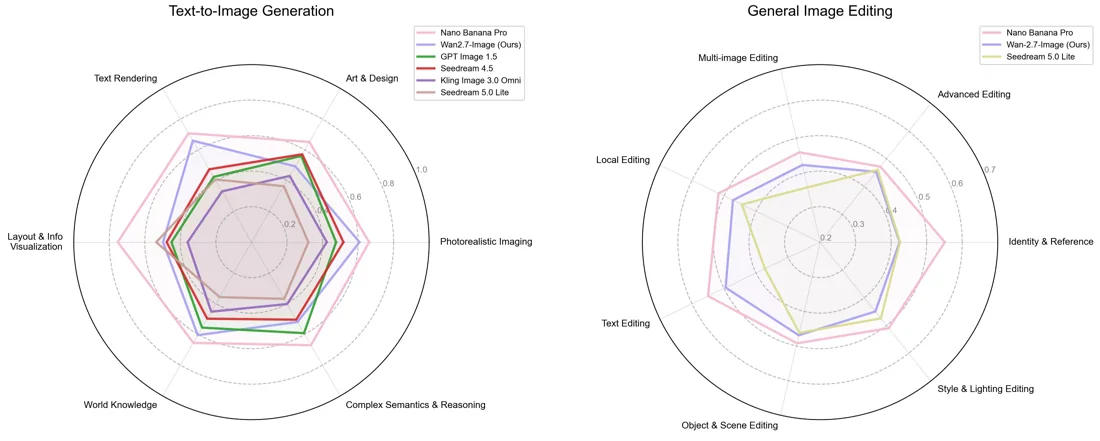
Describe one image rather than a sequence of actions. A 1:1 product frame can specify the subject, surface and light direction; a 16:9 scene can add background context without asking for camera movement.
Try: A woven handbag on a wooden bench, three-quarter angle, soft daylight, neutral garden background.
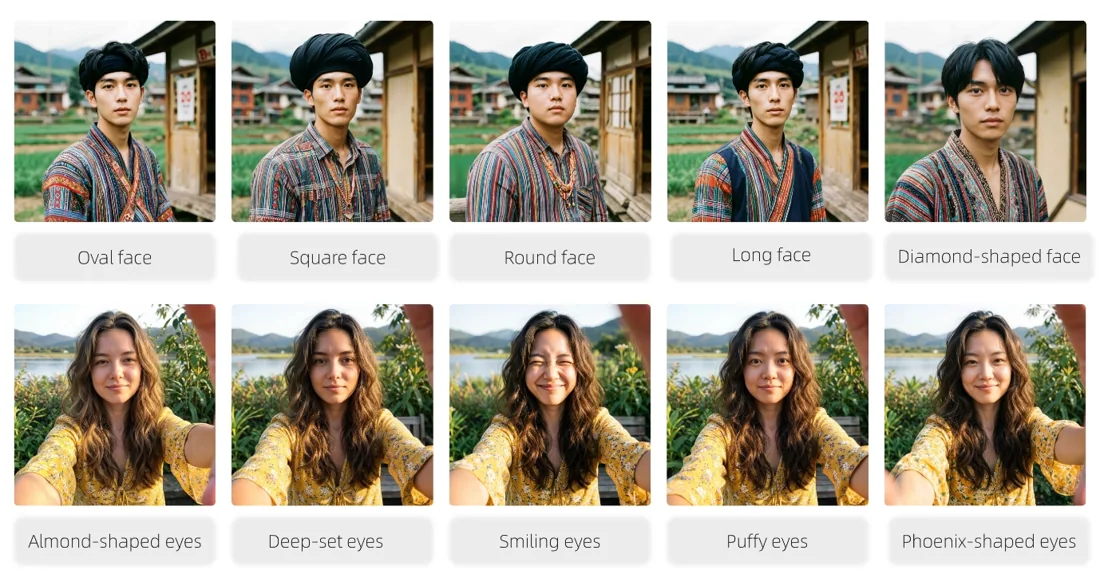
Kivue lists 5 explicit ratios for this entry: 1:1, 4:3, 16:9, 9:16 and 3:4. Pick the final placement before asking for a full-body subject or close product detail.
Leave space around the edges when the result will later be cropped for a listing.
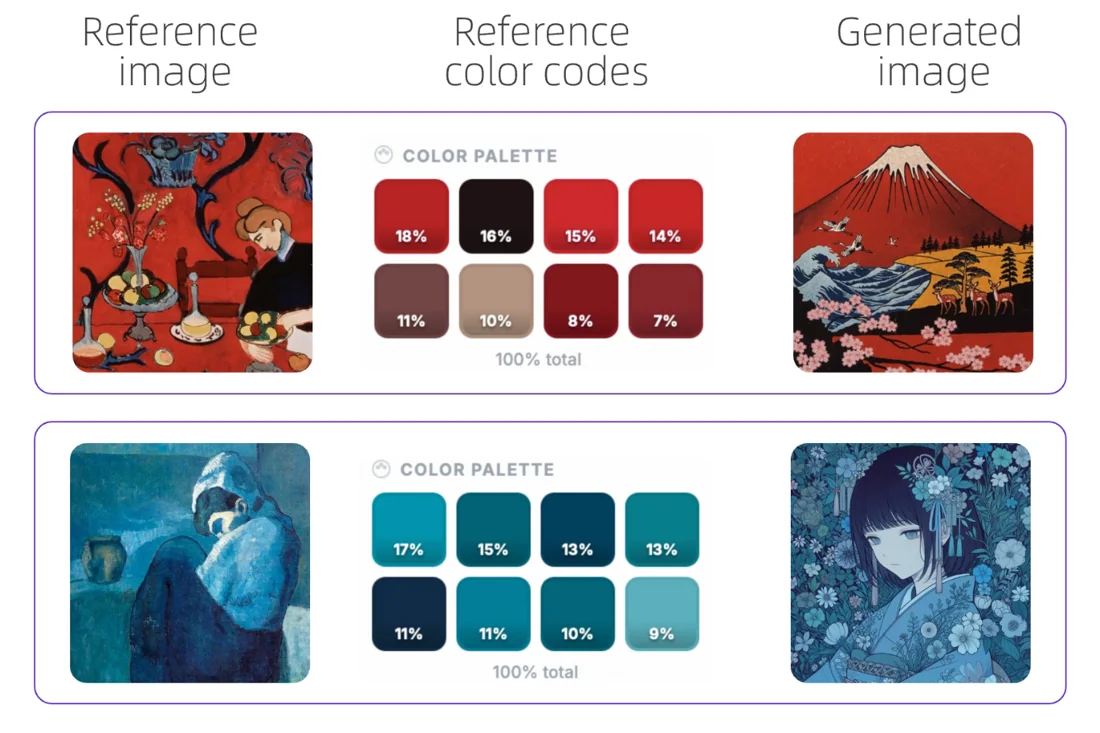
The engine selector identifies this image entry as Wan 2.7 Pro. Its configured size choices are 1K, 2K and 4K. These are still-image settings; they do not describe the video duration or resolution of Wan 2.7 Video.
This page opens the image engine rather than a Wan video mode.
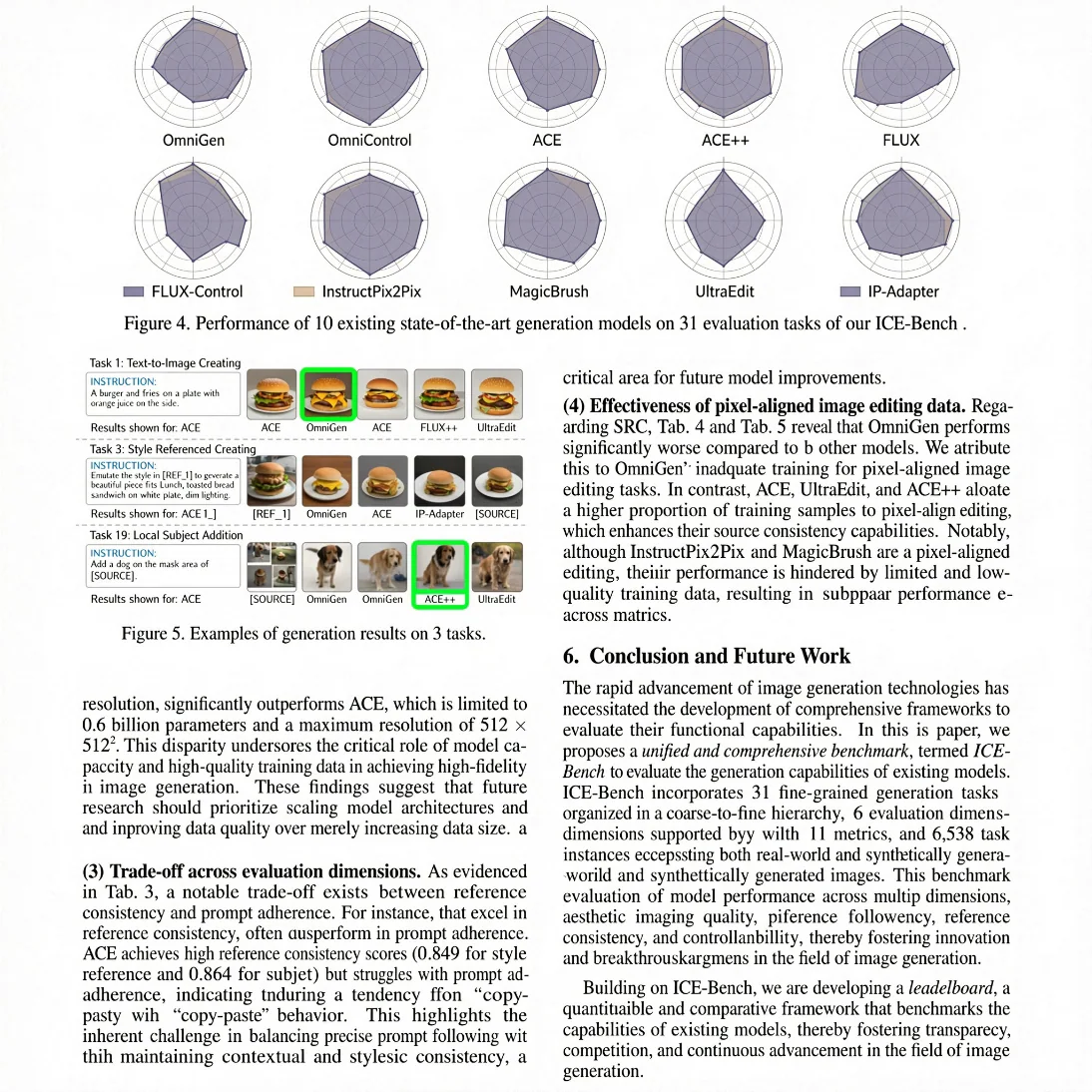
Keep an initial 1:1 result beside your next version. Revise the background, subject position or colour instruction individually so you can judge the change without losing the earlier direction.
For exact brand artwork, compare generated shapes and typography with the source material.
| Model option | Output sizes | Aspect ratios | Format choices |
|---|---|---|---|
| Wan 2.7 Pro | 1K, 2K, 4K | 5 fixed ratios | Auto · 1:1 · 16:9 · 9:16 |
Still-image generation, separate from Wan video models.
1K, 2K, 4K are listed across the model options.
5 explicit ratios across these options, plus Auto.
1 model option on this page.
Describe the subject, viewpoint, setting and light source together.
Check the displayed quote after changing engine, size or quantity.
Review completed images with the conversation and project materials.
| Model option | Output tiers | Aspect ratios |
|---|---|---|
| Wan 2.7 Pro | 1K, 2K, 4K | 5 explicit + Auto |
| Seedream 4.5 | 2K, 4K | 8 explicit + Auto |
| GPT Image 2.5 Flare | 1K, 2K, 4K | 10 explicit + Auto |
Place a bag, bottle or household object in a described scene.
Set a viewpoint, lighting direction and background.
Describe one moment with a subject and surroundings.
Prepare your input, choose the output, and review the result.
Write the subject, composition and style. Include exact wording if the image needs text.
Choose the model option, resolution and aspect ratio. Review the credit quote before submitting.
Check text and product details at full size. Save the image or use it as a reference for another edit.
Answers about inputs, settings and creating in Kivue.
Turn your brief or reference into an image. Choose settings and check the quote before generating.
Start creating