Product hero
Place a single product on a surface with specified lighting and negative space.
Create Nano Banana Pro images from a product brief or a visual idea. Kivue offers 1K, 2K and 4K options, plus standard and Fast variants. Choose a layout, add your description and review the credit quote before generating.
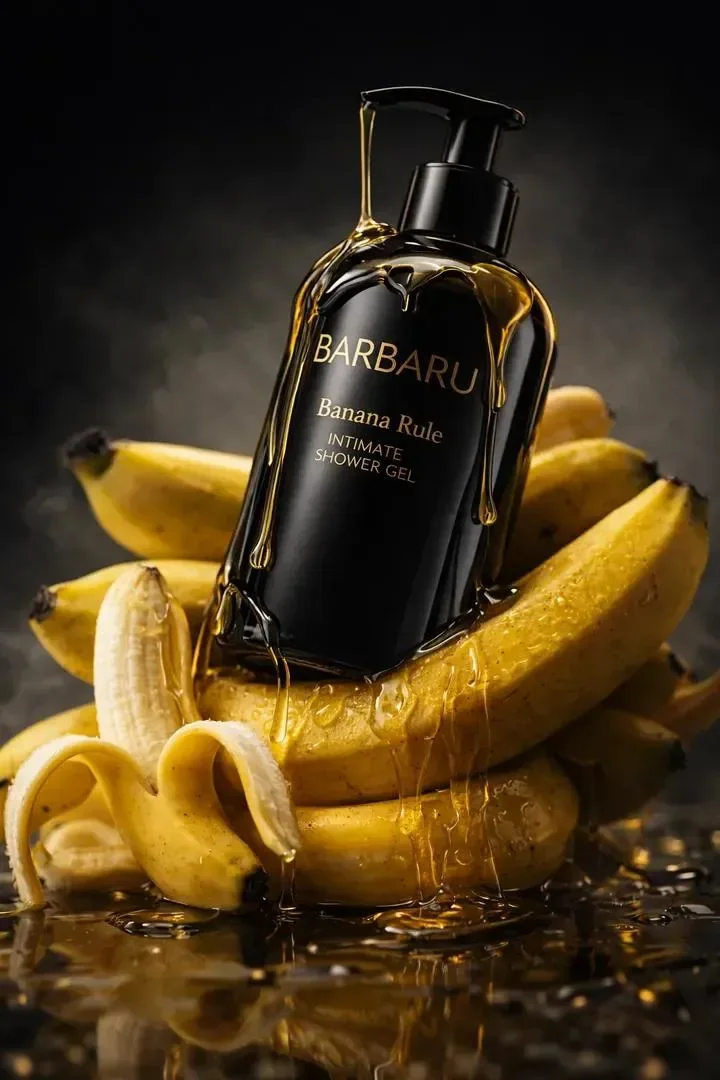
Describe the product, surface, lighting and space for copy. Use 1:1 for a square product composition or 16:9 for a campaign scene. Keep colour names and visible label text explicit.
Try: A ceramic coffee cup on warm stone, soft side lighting, empty space on the right for a headline.
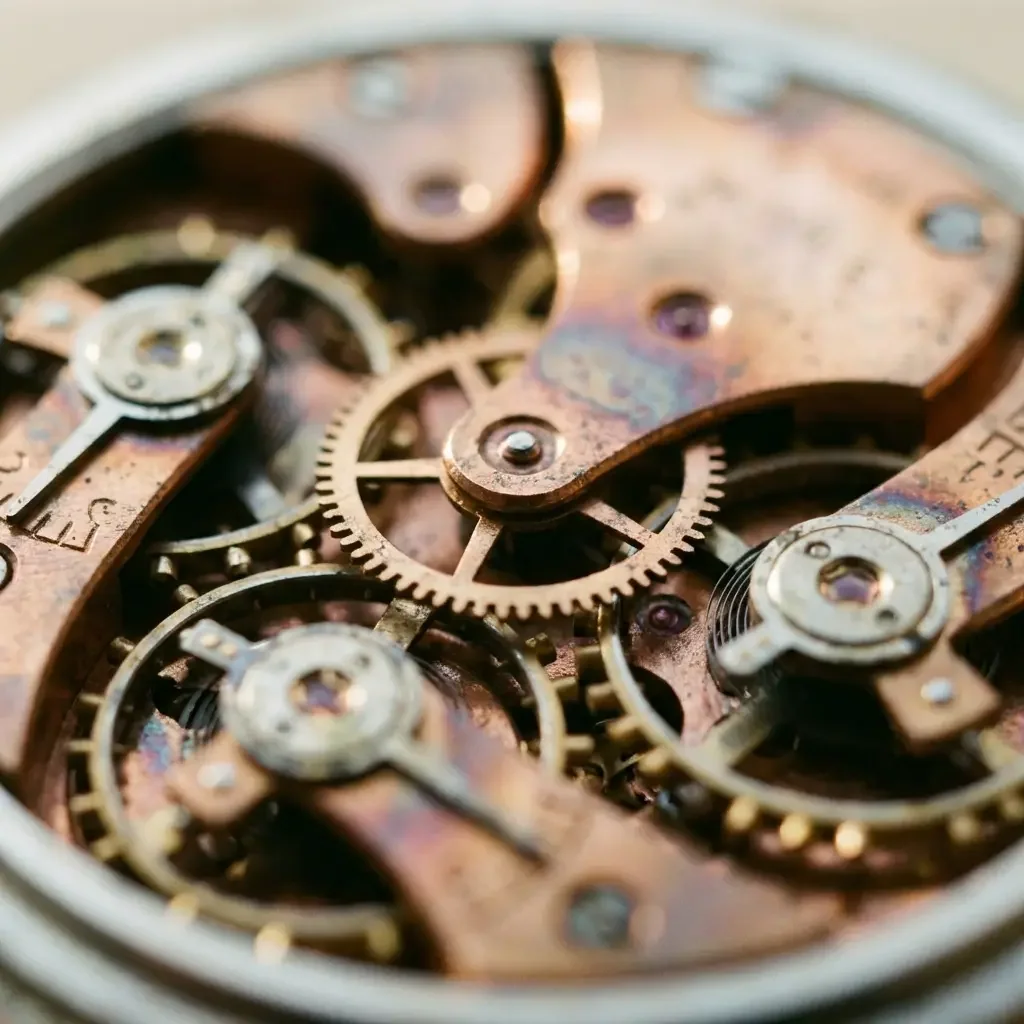
Use a reference when you want the product shape or a subject to guide the composition. Compare the result against the source rather than assuming every feature is unchanged. Both variants offer 1K, 2K and 4K settings.
Review logos, closures, seams and any small print before using a product image.
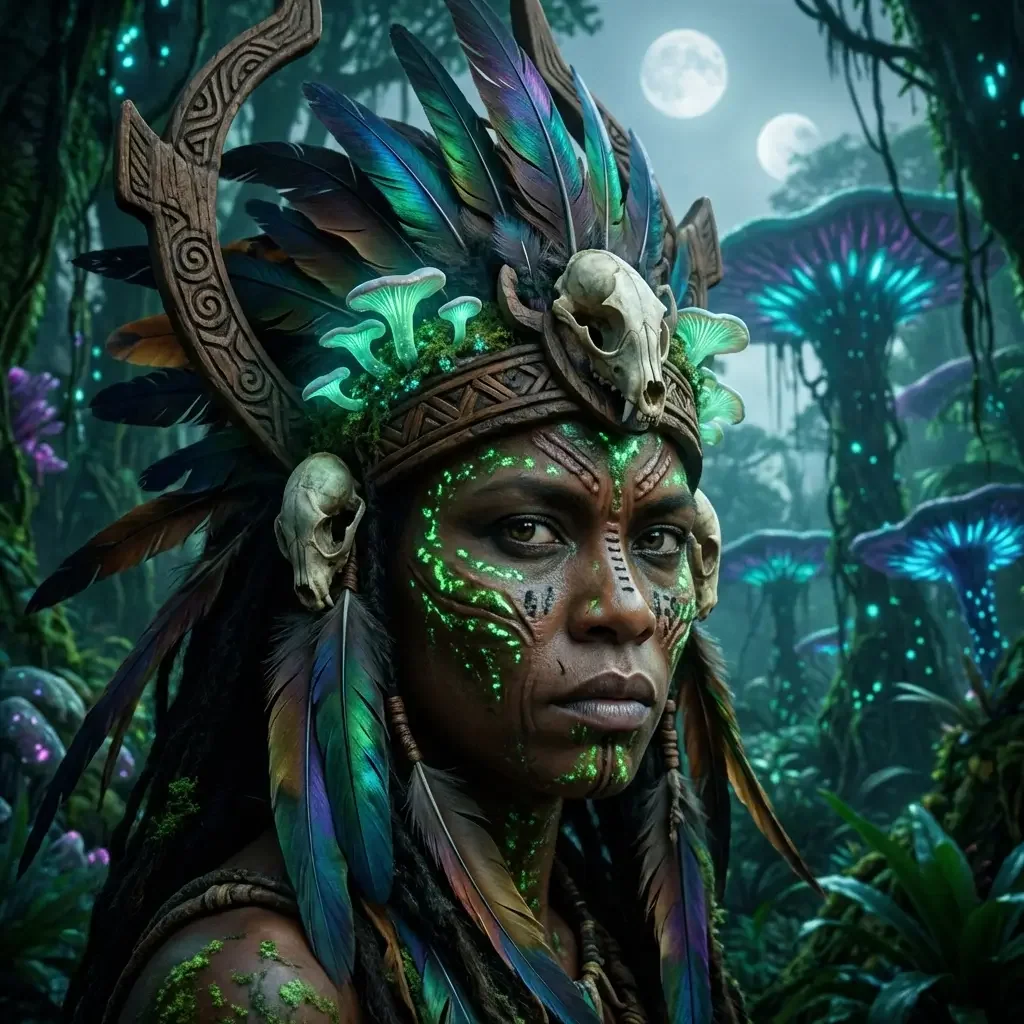
Choose between 2 Nano Banana Pro options. Standard lists 8 explicit ratios; Fast lists 10, including 4:5 and 5:4. Choose the option that includes the composition format you need.
Select the variant before choosing the ratio and reviewing credits.
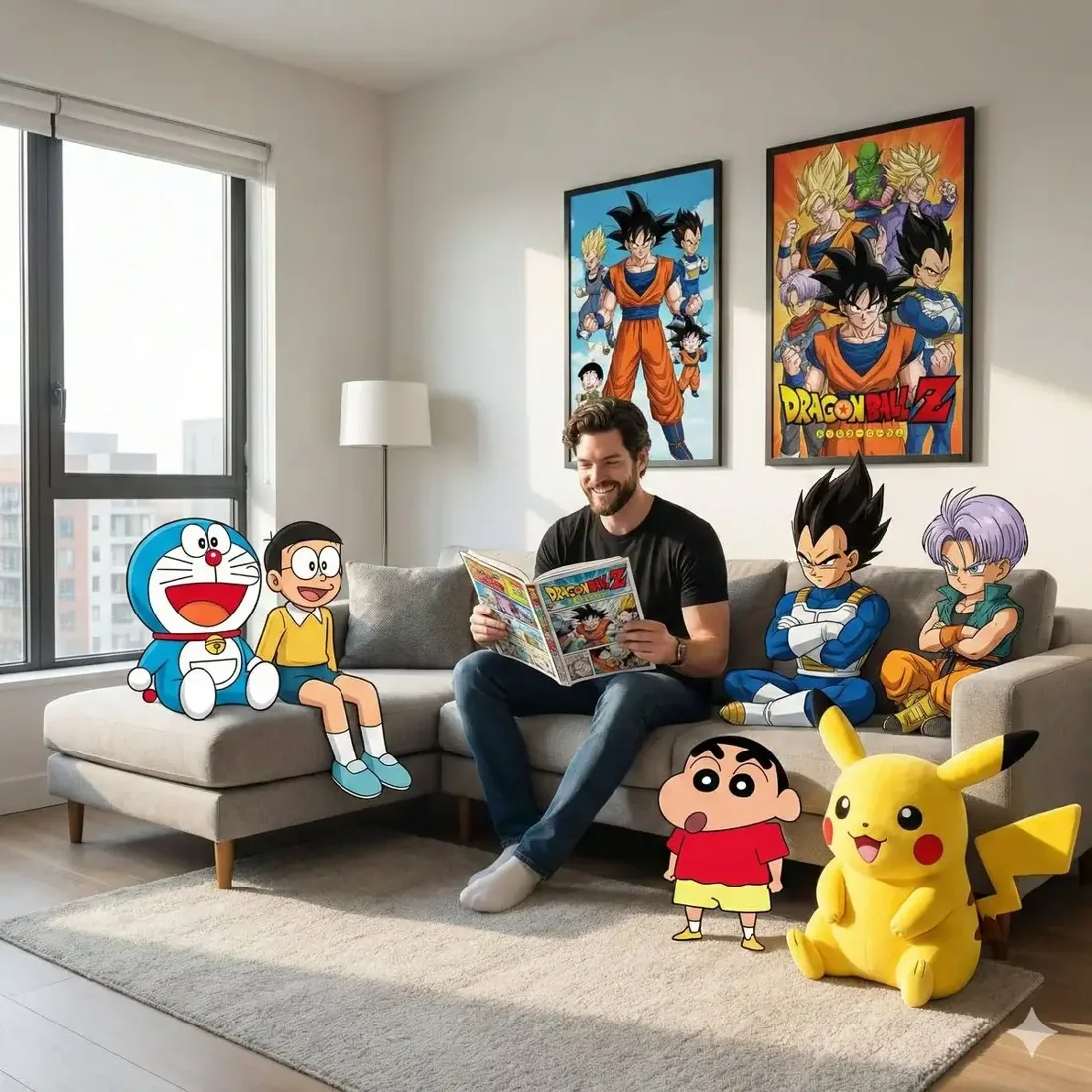
The available 4K setting is an option for a larger delivery file. Set the composition first: a 9:16 story needs different subject placement from a 1:1 listing image. Leave room for the interface or final typography.
A larger file does not certify text accuracy or suitability for print.
| Model option | Output sizes | Aspect ratios | Format choices |
|---|---|---|---|
| Nano Banana Pro | 1K, 2K, 4K | 8 fixed ratios | Auto · 1:1 · 16:9 · 9:16 |
| Nano Banana Pro Fast | 1K, 2K, 4K | 10 fixed ratios | Auto · 1:1 · 16:9 · 9:16 |
Text, product references and a choice of output sizes.
1K, 2K, 4K are listed across the model options.
10 explicit ratios across these options, plus Auto.
2 model options on this page.
Describe the subject, viewpoint, setting and light source together.
Check the displayed quote after changing engine, size or quantity.
Review completed images with the conversation and project materials.
| Model option | Output tiers | Aspect ratios |
|---|---|---|
| Nano Banana Pro | 1K, 2K, 4K | 8 explicit + Auto |
| Seedream 4.5 | 2K, 4K | 8 explicit + Auto |
| GPT Image 2.5 Flare | 1K, 2K, 4K | 10 explicit + Auto |
Place a single product on a surface with specified lighting and negative space.
Explore a portrait, product and background as one composition.
Compare a square listing view with a portrait social composition.
Prepare your input, choose the output, and review the result.
Write the subject, composition and style. Include exact wording if the image needs text.
Choose the model option, resolution and aspect ratio. Review the credit quote before submitting.
Check text and product details at full size. Save the image or use it as a reference for another edit.
Answers about inputs, settings and creating in Kivue.
Turn your brief or reference into an image. Choose settings and check the quote before generating.
Start creating