Product stories
Plan a reveal, demonstration and closing composition in one brief.
Create Seedance 2.5 videos from text, images or reference media in Kivue. Choose 480p, 720p or 1080p, plan a 4–30 second clip, and refine it within your project.
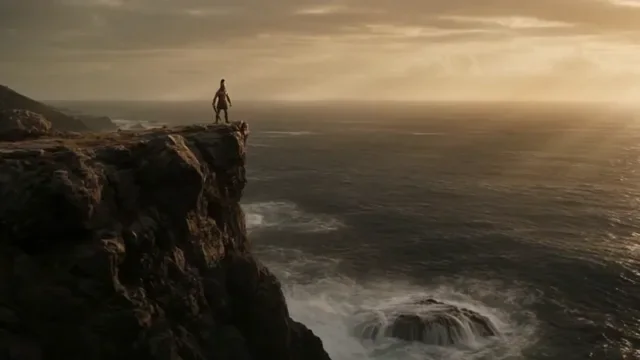
A 4–30 second duration range gives a scene room to develop. Describe the opening composition, the action and the ending in order. Keep the subject and camera direction explicit instead of asking for unrelated scenes in a single instruction.
Prompt idea: An unbranded tea bottle stands on a stone counter. The camera moves closer as condensation gathers; end with the label facing forward.
The reference workflow offers up to 9 images, with separate limits of 3 video and 3 audio references. Give each file a role: identity, motion or sound. First/last-frame mode instead uses a starting frame and an optional ending frame.
Reference limits apply to the selected mode. A file upload is guidance, not a promise that every detail will remain identical.
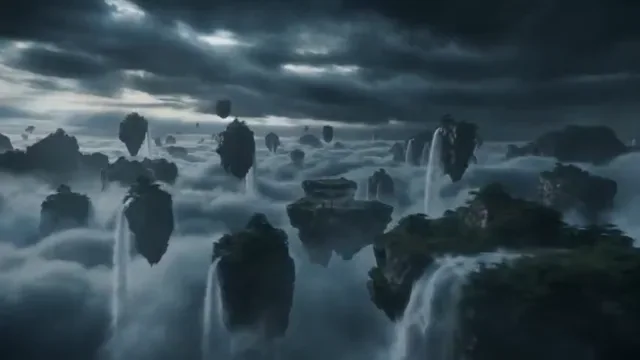
Select the output resolution for the placement before submitting. A vertical 9:16 composition needs a different subject position from a 16:9 landscape scene. Use the same brief and references when comparing settings so changes are easier to assess.
Kivue also exposes 1:1 and automatic framing. Review the available combinations and credit quote in the generator.
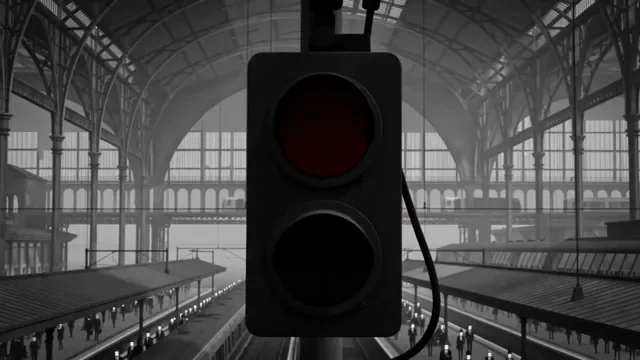
Seedance 2.5 has an audio toggle in Kivue. Start with the 8-second default to judge a shot, then extend the requested duration if the action needs more time. Review sound alongside the first, middle and final frames.
A useful check is whether the clip ends where the prompt intended; a longer duration alone does not guarantee a better sequence.
| Model option | Output sizes | Duration | Input modes |
|---|---|---|---|
| Seedance 2.5 | 480p, 720p, 1080p | 4–30 seconds | Text / image · First & last frame · References |
Build a longer scene from an idea, a first frame or reference media.
Plan a 4–30 second scene around a subject, an action and a camera direction.
The primary Seedance 2.5 connection lists 480p, 720p, 1080p.
Choose from 3 fixed aspect ratios: 1:1, 9:16, 16:9.
Use the selected mode’s image inputs to establish composition and subject appearance.
Generated audio has an on/off control in the connected configuration.
Keep the prompt, references and returned result in your Kivue project for further work.
| Model | Resolution choices | Duration and input limits | Generation modes |
|---|---|---|---|
| Seedance 2.5 | 480p, 720p, 1080p | 4–30s | Text/image / First/last frame / References |
| Seedance 2.0 | 480p, 720p, 1080p | 4–15s | Text/image / First/last frame / References |
| Seedance 2.0 Mini | 480p, 720p | 4–15s | Text/image / First/last frame / References |
Plan a reveal, demonstration and closing composition in one brief.
Use a reference clip for movement while an image defines the subject.
Explore a 30-second scene before deciding which moments to use.
Prepare your input, choose the output, and review the result.
Write the subject, action and camera movement. Upload references supported by your selected mode.
Select the clip length, resolution and format, then check the credit quote.
Watch the clip, download it or continue editing from the result in your project.
Answers about inputs, settings and creating in Kivue.
Turn your prompt or reference into a video. Choose settings and check the quote before generating.
Start creating