Wide banner
Place a product and its supporting copy area across an 8:1 canvas.
Create Nano Banana 2.1 images in Kivue with 1K, 2K and 4K choices. Select from 14 explicit ratios, including 8:1 banners and 1:8 vertical compositions. Describe the subject, layout and requested changes, then check the quote before creating.
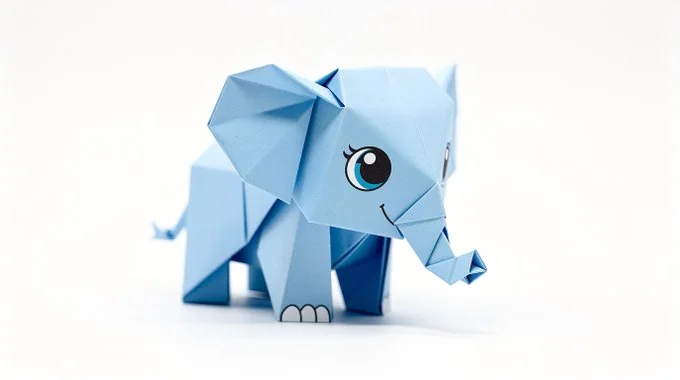
Name the subject, setting and viewing angle before describing colour and lighting. Choose 1:1 for a centred image or 3:2 for a wider composition. A written layout helps separate the product from surrounding props.
Try: An amber skincare bottle on limestone, natural window light, clean background, label facing camera.
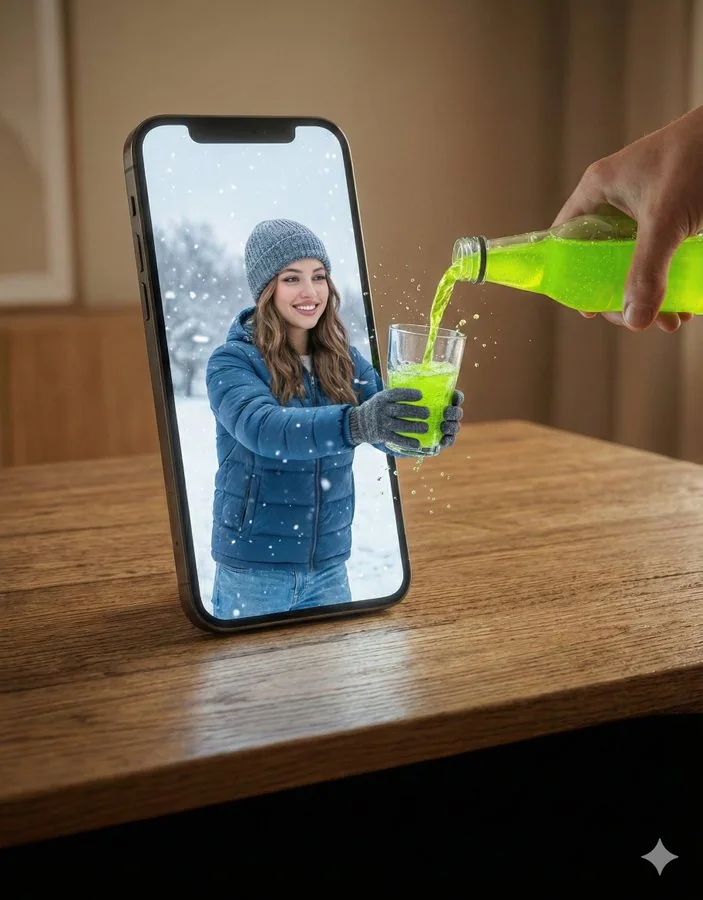
The connected engine lists 14 explicit ratios. Alongside 16:9 and 9:16, you can select 8:1, 1:8, 4:1 or 1:4. Place the subject and empty space deliberately when working with an extended canvas.
An 8:1 banner is a separate composition, not simply a square image stretched sideways.
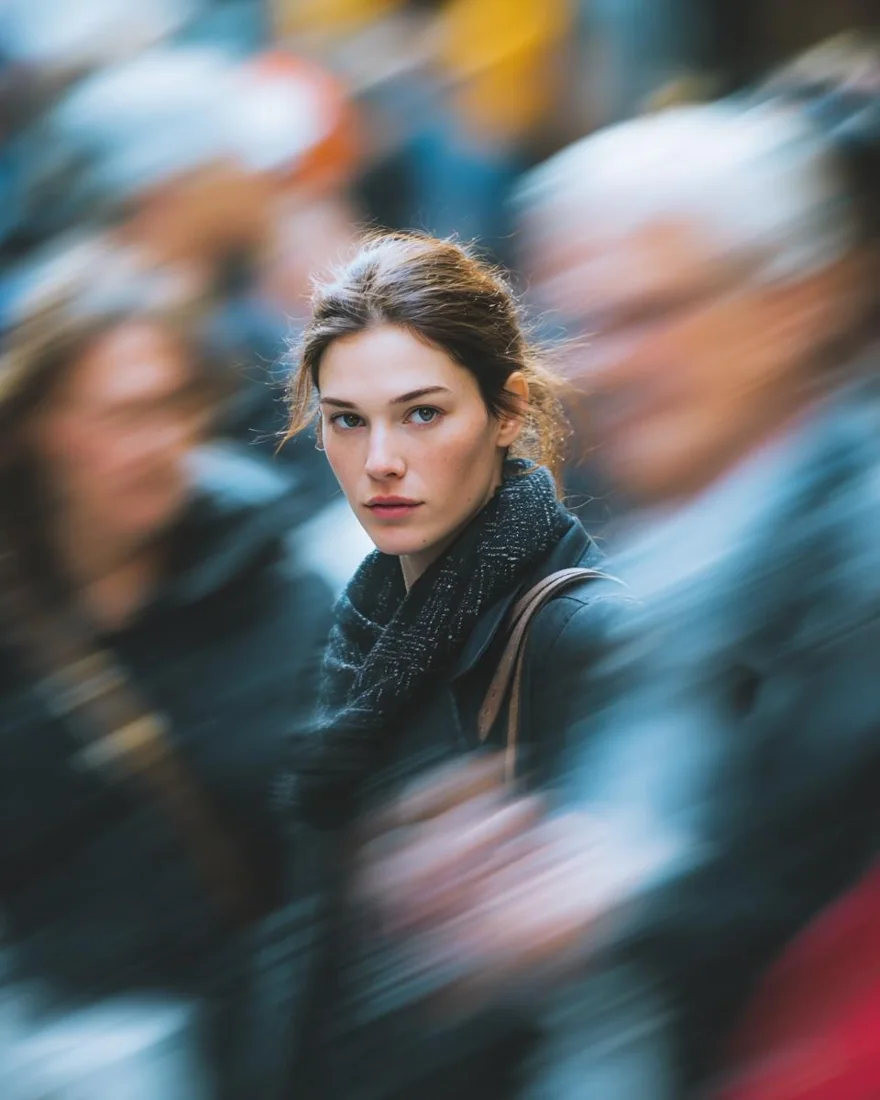
Choose 1K, 2K or 4K before you generate. Set both dimensions of the brief: the ratio defines the composition, while the size controls the selected output tier.
The preview and the download serve different purposes; inspect the delivered file when size matters.
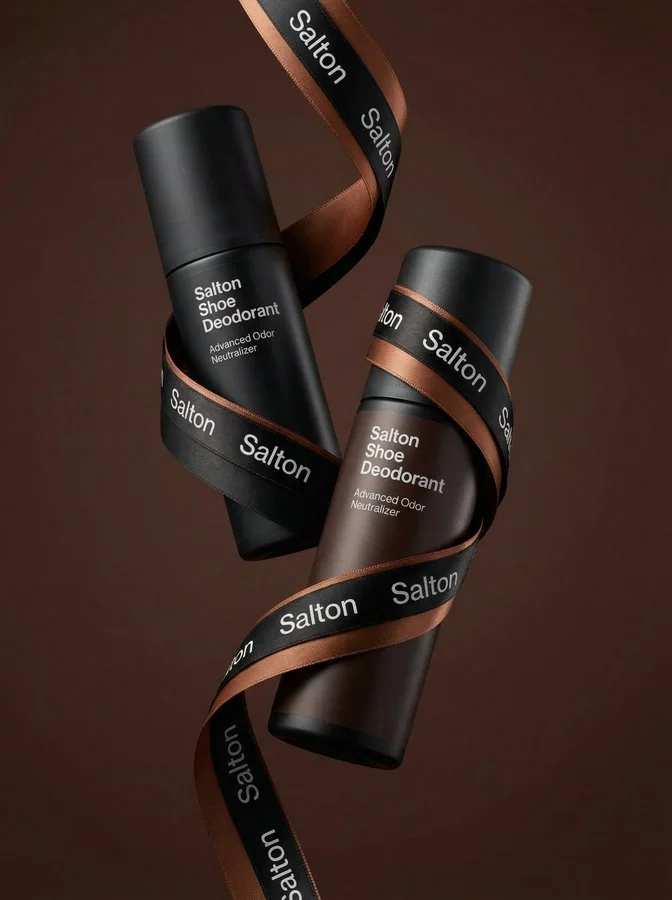
Kivue lists 7 explicit ratios for Nano Banana 2 and 14 for 2.1. Both offer 1K, 2K and 4K. For a banner project, compare the supported format and quote before choosing an engine.
No speed or accuracy ranking is implied by the model version number.
| Model option | Output sizes | Aspect ratios | Format choices |
|---|---|---|---|
| Nano Banana 2.1 | 1K, 2K, 4K | 14 fixed ratios | Auto · 1:1 · 16:9 · 9:16 |
Image creation for standard formats and extended canvases.
1K, 2K, 4K are listed across the model options.
14 explicit ratios across these options, plus Auto.
1 model option on this page.
Describe the subject, viewpoint, setting and light source together.
Check the displayed quote after changing engine, size or quantity.
Review completed images with the conversation and project materials.
| Model option | Output tiers | Aspect ratios |
|---|---|---|
| Nano Banana 2.1 | 1K, 2K, 4K | 14 explicit + Auto |
| Seedream 4.5 | 2K, 4K | 8 explicit + Auto |
| GPT Image 2.5 Flare | 1K, 2K, 4K | 10 explicit + Auto |
Place a product and its supporting copy area across an 8:1 canvas.
Build a 9:16 visual around a subject and background.
Specify a headline area and review any generated lettering.
Prepare your input, choose the output, and review the result.
Write the subject, composition and style. Include exact wording if the image needs text.
Choose the model option, resolution and aspect ratio. Review the credit quote before submitting.
Check text and product details at full size. Save the image or use it as a reference for another edit.
Answers about inputs, settings and creating in Kivue.
Turn your brief or reference into an image. Choose settings and check the quote before generating.
Start creating